TikTok Creative Center: How Small Brands Use It to Find Trends and Winning Ads
TikTok Creative Center is a free tool for seeing what's trending and which ads perform. Here's how a small product brand can use it in 15 minutes a week, what it can't tell you, and how to fill the gaps.
 Moss4 min read
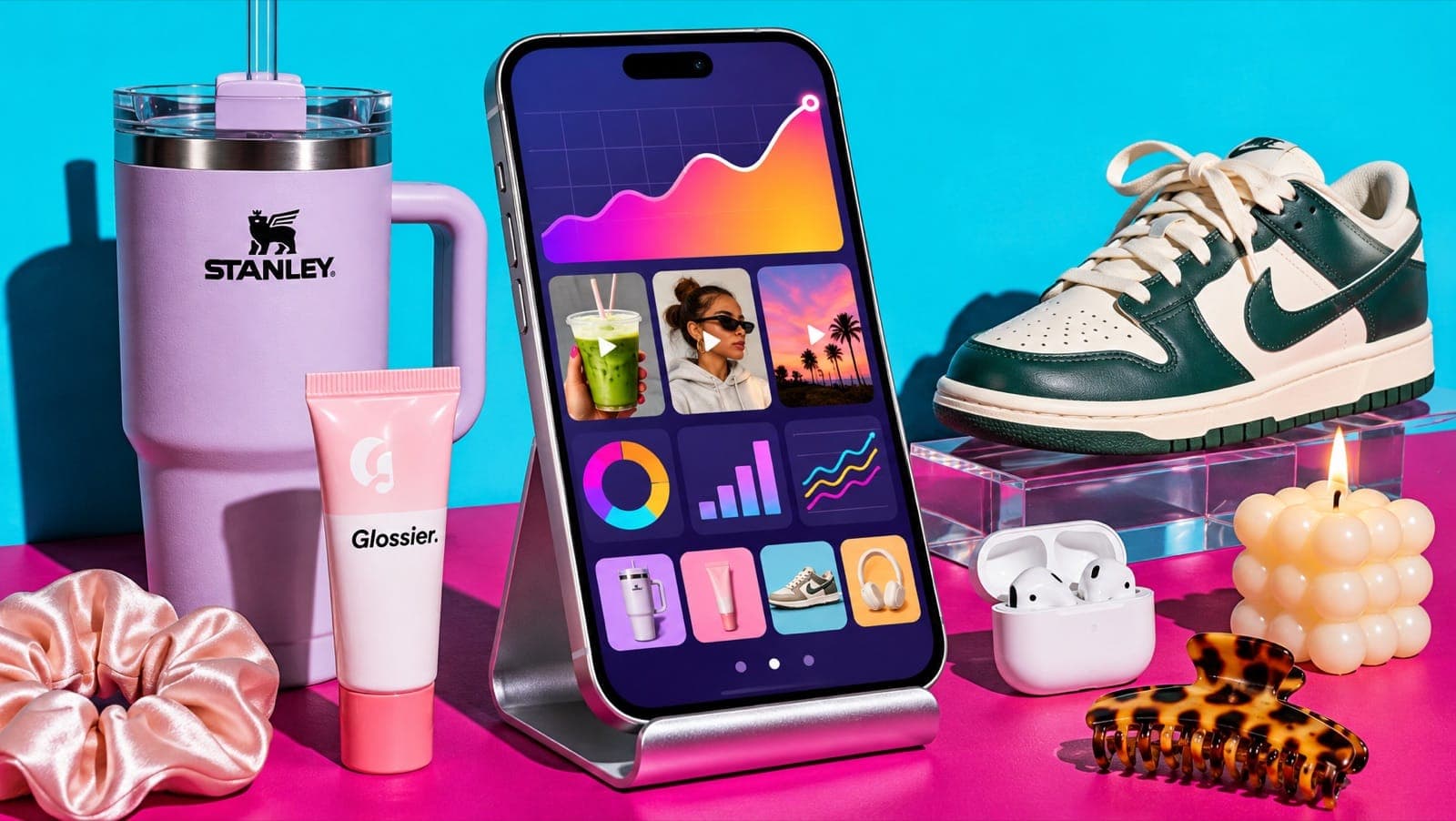
TikTok Creative Center is TikTok's free hub for trend and ad research. It shows trending hashtags, songs, creators and videos by country and industry, plus a library of top-performing TikTok ads you can filter by industry, objective and region. For a small brand, the most useful parts are Top Ads (to see what ad formats work in your category) and Trends (to catch sounds and hashtags early). Most of it works without an account; logging in with a TikTok for Business account unlocks more detail.
Key takeaways
- Free, at ads.tiktok.com/business/creativecenter. A TikTok for Business login unlocks more of Top Ads and other tools.
- Top Ads: filter by your industry and region to see which ad formats and hooks are performing.
- Trends: hashtags, songs, creators and videos, by region and industry and over 7, 30 or 120 days.
- Check song licensing before using a trending sound in an ad. Business accounts can only use commercially cleared music.
- It shows what's popular across TikTok, not what's working for brands like yours. Pair it with competitor tracking.
What's in TikTok Creative Center
TikTok reshuffles the menus fairly often (one 2026 update dropped several tool names from its help pages), so tab names may differ slightly from what you see. The core sections have been stable:
| Section | What it shows | Use it to |
|---|---|---|
| Top Ads | High-performing ads, filterable by region, industry, objective, format and time | See which ad formats and hooks work in your category |
| Trends: Hashtags | Trending hashtags by region and industry, with growth over time | Spot topics rising in your niche |
| Trends: Songs | Trending sounds, including ones new to the charts, with commercial-use filters | Pick sounds early, and only ones cleared for business |
| Trends: Creators | Creators gaining followers or engagement | Find creators for partnerships or UGC |
| Trends: TikTok videos | Popular videos by region and period | Study formats that are getting reach |
| Inspiration tools | Keyword ideas from ad copy, creative tips, top products (availability varies) | Find wording for captions and scripts |
How to use Top Ads to find winning ad formats
- Go to Creative Center → Top Ads (log in for the full library).
- Set region to where you sell and industry to your category (for example Beauty & Personal Care).
- Set the objective to conversions or product sales if you sell online. Awareness ads look very different.
- Sort by the metric you care about and open the top 10.
- For each ad, note: the first 2 seconds (hook), the format (talking head, voiceover, carousel, demo), the length, and the call to action.
- Look for patterns across several ads, not one viral outlier.
Some ads show a timeline of where viewers dropped off or engaged. If the drop happens in the first second, the hook failed. If it holds through the product demo, that's the part to copy structurally.
How to use Trends without chasing every fad
- Filter by your industry, not just "all". A sound trending in gaming won't help a skincare brand.
- Look at the growth curve, not the rank. A hashtag climbing for 3–5 days is an opportunity; one that peaked last week is late.
- Use the 7-day view for sounds (they move fast) and 30 or 120 days for hashtags and topics.
- Check commercial use. Business accounts and ads can't use most chart music. Filter for songs approved for business use.
- Only use trends that fit your product. A forced trend is worse than none.
A 15-minute weekly routine
| Minutes | Task |
|---|---|
| 0–5 | Top Ads, your industry, last 7 days: save 3 ads with hooks you could adapt |
| 5–9 | Hashtags in your industry: note 2 rising topics |
| 9–12 | Songs approved for business: note 2 rising sounds |
| 12–15 | Write 3 post ideas combining a hook, a topic and a sound |
Then turn the best idea into a post that week. Our list of TikTok hooks that sell helps with the first line.
Where Creative Center falls short
- It's platform-wide, not competitor-specific. You can't follow five competitors and see everything they post and run.
- Top Ads are curated, so you see TikTok's selection of winners, not every ad in your niche.
- Organic and paid are separate. It doesn't show which of a brand's organic posts beat their usual views.
- No Meta coverage. Your competitors' Facebook and Instagram ads live in the Meta Ad Library.
- Menus move. Features appear, get renamed or are limited by region.
That's the gap Mostly Discover fills: follow the specific brands and creators in your niche, see which of their posts and ads are outperforming, and turn any of them into a draft for your own product.
FAQ
Is TikTok Creative Center free?
Yes. You can browse much of it without an account. Logging in with a free TikTok for Business account unlocks more of Top Ads and other tools.
How do I find TikTok Creative Center?
Go to ads.tiktok.com/business/creativecenter, or search "TikTok Creative Center". It works best in a desktop browser.
Can I use trending TikTok songs in my brand's posts?
Only songs cleared for commercial use. In Creative Center's Songs section, filter for songs approved for business use. Most chart music isn't licensed for brand accounts or ads.
How do I find trending hashtags for my niche on TikTok?
In Creative Center, open Trends → Hashtags, choose your country and industry, and look for hashtags with a rising curve over the last 7–30 days.
What's the difference between TikTok Creative Center and the TikTok Ad Library?
Creative Center highlights trends and a curated set of top-performing ads with performance hints. TikTok's ad library is a transparency database of ads that ran, mainly for regions covered by ad transparency rules. Use Creative Center for inspiration and trends.