How to Use the Meta Ad Library to Find Winning Product Ads (2026)
The Meta Ad Library shows every ad running on Facebook and Instagram, but not which ones work. The best clue is how long an ad has been running. Here's how to search it, and what 507 long-running product ads have in common.
 Moss6 min read
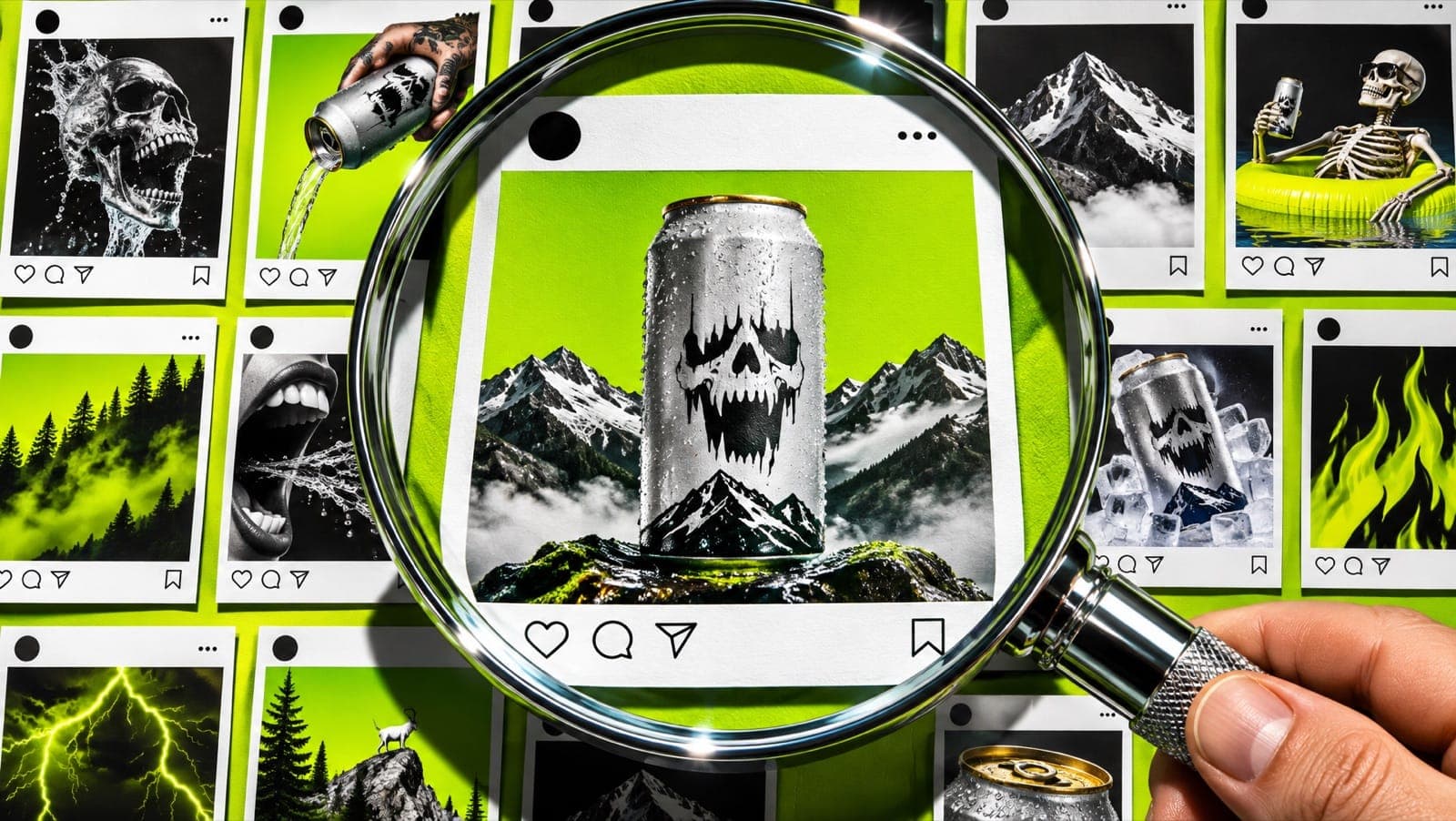
The Meta Ad Library is a free, public search of every ad currently running on Facebook, Instagram, Messenger and Audience Network. Go to facebook.com/ads/library, choose your country and "All ads", then search a brand name or keyword. It doesn't show sales or spend for most ads, so use the "Started running on" date as your signal: brands keep paying only for ads that make money, so an ad running for 30+ days is very likely working.
Key takeaways
- Longevity is the best public signal. An ad running 30+ days, or 14+ days with several versions, has almost certainly earned its budget.
- Of 1,716 product ads we track from 153 brands, only 30% had run 30+ days (or 14+ with several versions). Most ads die within a week.
- Format didn't predict which ads last: long-running ads were 43% images and 55% video, the same mix as ads that stopped within a week.
- Discount-led ads rarely last. Only 11% of long-running ads led with a discount or freebie, against 29% of ads that ran under a week. Long-runners sell the product and the problem it solves.
- Search by advertiser to study one competitor, and by keyword to see a whole category.
What is the Meta Ad Library?
Meta's Ad Library is a transparency tool. Anyone can see the ads a Facebook page is running across Meta's apps, without logging in. For each ad you can see the creative, the copy, the platforms it runs on, when it started, and whether there are multiple versions.
What you can't see for most commercial ads: spend, impressions, clicks or sales. (Ads about social issues, elections or politics show spend ranges, and ads shown in the EU show reach and targeting details.) So you have to infer what's working, which is what the rest of this guide is about.
How to search the Meta Ad Library, step by step
- Go to facebook.com/ads/library. No login needed.
- Pick your country. Choose where your buyers are, or "All" to see everything.
- Set the ad category to "All ads". The default is often "Issues, elections or politics", which hides product ads.
- Search. Type a competitor's brand name and pick their page from the dropdown to see all their ads. Or type a keyword ("niacinamide serum", "walking shoes") and press Enter to search ad text across every advertiser.
- Filter. Use Filters to narrow by active status (active or inactive), media type (images, videos, memes), platform (Facebook, Instagram), language and date range.
- Open the ad details. Click See ad details to read the full copy, see every version and check the start date.
Two search tricks worth knowing: put a phrase in quotation marks for an exact match ("free shipping"), and remember a keyword search only matches words in the ad text. A competitor whose ads never say "serum" won't show up for that search, so search their name too.
Filtered searches live in the page URL, so bookmark the searches you'll check every week.
How to tell if an ad is working
Since you can't see sales, look for three signals:
| Signal | Where to find it | What it means |
|---|---|---|
| Running a long time | "Started running on" date | 30+ days: the ad pays for itself. 90+ days: it's a core winner. |
| Multiple versions | "This ad has multiple versions" | The brand is scaling or testing variations of a creative that works. |
| Same creative, many ads | Search the advertiser and scan | When the same image appears across several ads, it's a proven creative being reused. |
This is the same rule Mostly Discover uses to label paid ads: proven means running 30+ days, or 14+ days with 3 or more variations; emerging means 7+ days.
Ignore anything that started in the last week. Most new ads get switched off within days, and you don't want to copy a test that failed.
What 507 long-running product ads have in common
We looked at the Meta ads tracked in Mostly Discover: 1,716 ads from 153 product brands across e-commerce, apparel, skincare, health and fitness, food and drink, and software, all running in 2026.
| Proven (30+ days, or 14+ with 3+ versions) | Emerging (7–29 days) | Ran under a week | |
|---|---|---|---|
| Ads | 507 | 393 | 816 |
| Median days running | 58 | 11 | 2 |
| Static images | 43% | 46% | 43% |
| Videos | 55% | 52% | 56% |
| Lead with a discount, sale or freebie | 11% | 11% | 29% |
| Average versions of the creative | 2.4 | 2.1 | 2.1 |
Three things stand out. (For which kinds of image ads last, see our breakdown of static ads that keep running.)
1. Most ads don't last. Nearly half (816 of 1,716) ran for less than a week. That's why a brand-new ad in the library tells you almost nothing, and why a 60-day-old ad tells you a lot.
2. Format doesn't decide it. Images and videos survive at the same rate. A clear product image with one strong line keeps running as long as a produced video. If you can't make video yet, you're not at a disadvantage on Meta.
3. Discounts are short-term. Ads that lead with "20% off" or "free gift" are much more common among ads that stopped quickly, partly because sales end. The ads that run for months lead with the product and the problem it solves. Two long-running examples from skincare brands:
"If your skin feels tight, flaky, or itchy no matter what you use — this is for you."
"The VIRAL regenerative ingredient dermatologists use to fade ACNE SCARS and repair SKIN TEXTURE."
Both say who it's for and what it fixes in the first line. That's what to borrow, not the exact words.
Long-running ads also had slightly more versions (2.4 on average): brands that find a winner make variations of it rather than starting over.
A 10-minute weekly competitor check
- List 5 competitors and 2–3 keywords for your category.
- Search each competitor with active ads only, sorted so you can see start dates.
- Screenshot every ad running 30+ days into one folder or board.
- Note the pattern: format (image or video), opening line, offer, and whether it shows a person or just the product.
- Pick one pattern to test this week with your own product, your own photos and your own words.
Doing this by hand works, but it's repetitive. Mostly Discover follows the brands you choose, flags ads as they become proven, and lets you turn any ad into a draft for your own product. The same research also tells you what to post organically; see our TikTok hooks that sell for the organic side.
What not to do with the Ad Library
- Don't copy ads. Copying another brand's creative or copy is a fast way to get reported, and it rarely works for a different product anyway. Copy the structure, not the content.
- Don't trust new ads. An ad that started yesterday tells you nothing.
- Don't only look at big brands. A brand your size with an ad running for 200 days teaches you more than a giant with a huge budget.
For TikTok, the equivalent tool is TikTok Creative Center. And if you're doing this research for clients every week, see the creative strategist's weekly workflow.
FAQ
Is the Meta Ad Library free?
Yes. Anyone can use it at facebook.com/ads/library without a Facebook account or login.
Can you see how much a competitor spends on Meta ads?
Not for most product ads. Spend is shown only for ads about social issues, elections or politics. For commercial ads, use how long the ad has been running as your best signal of performance.
Does the Meta Ad Library show Instagram ads?
Yes. It covers Facebook, Instagram, Messenger and Audience Network. You can filter by platform to see only Instagram placements.
How do you find winning ads in the Meta Ad Library?
Look for ads that have been running for 30 days or more, especially ones with multiple versions. Brands switch off ads that lose money, so long-running ads are the ones that work.
Can you see inactive ads in the Meta Ad Library?
Only some. Ads about social issues, elections or politics are kept for seven years, and ads shown in the EU stay searchable for a while after they stop. Most other product ads drop out once they stop running, so save examples when you see them.
Is there a TikTok version of the Meta Ad Library?
Yes. TikTok has its own ad library and the Creative Center's Top Ads. They work differently; we'll cover them in a separate guide.