AI Product Video Generator Test: One Product Photo, Four Models (2026)
We gave four AI video models the same product photo and the same motion prompt. All four kept the brand better than text-only prompts did, but only one got the lid, the logo and the hand right in the same clip.
 Moss6 min read
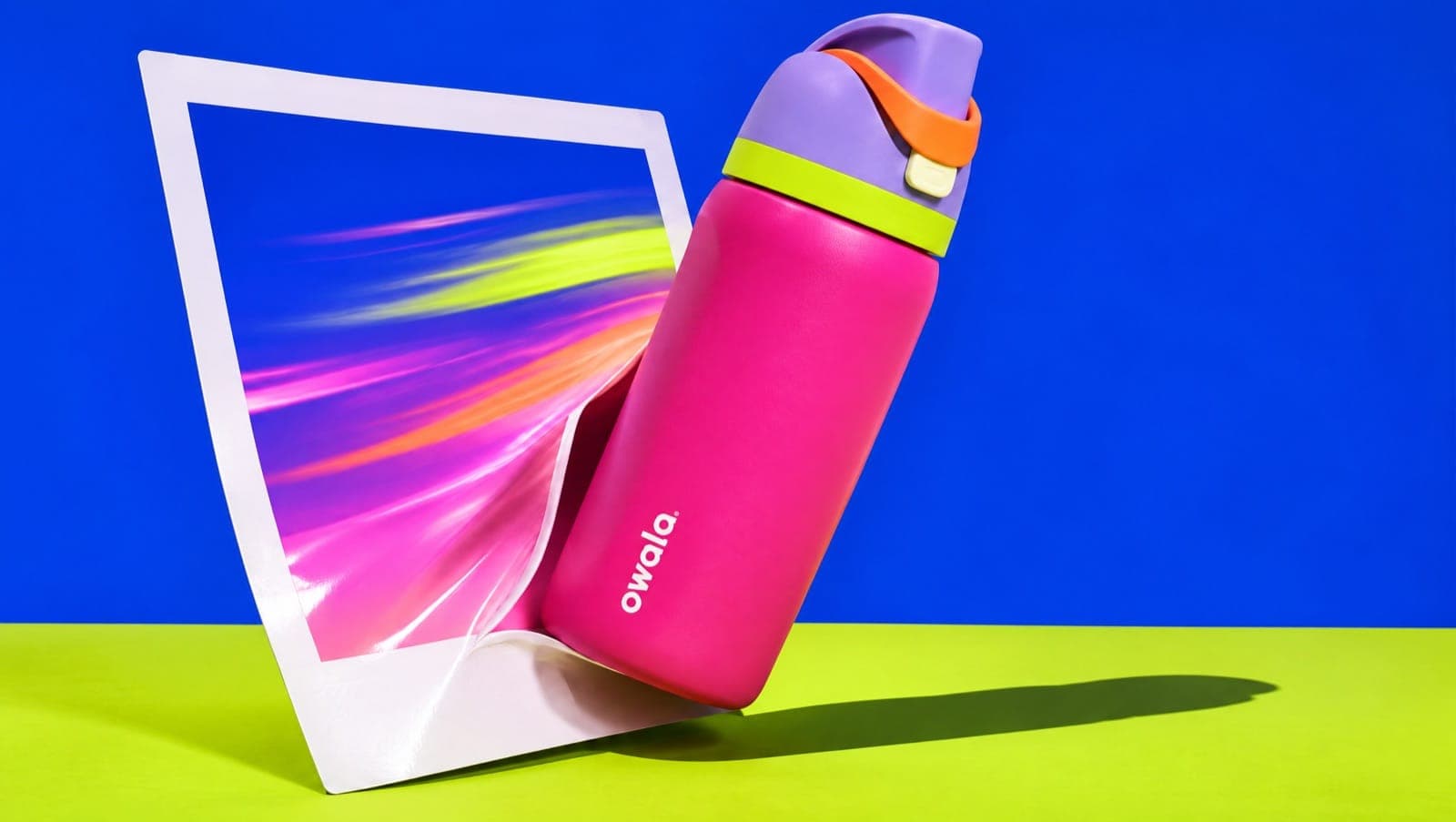
An AI product video generator turns a still product photo into a short video clip: you upload the photo as the first frame and describe the motion. In our November 2026 test, one photo through four models, Seedance 2.5 Flash gave the most usable clip. Starting from a real photo kept the branding intact on every model, which text-only prompts don't manage.
Key takeaways
- Start from a photo, not a prompt. In our earlier text-only test, several models invented or misspelled the brand. From a photo, all four kept the Owala logo on the bottle while it stood still.
- Best clip: Seedance 2.5 Flash. A thumb pressed the lid button, the lid flipped up to show the straw, and the logo stayed sharp as the bottle was lifted.
- Best hand physics: Veo 3.1 Fast. The most natural lid flip and lift, but the bottle left the frame with about three seconds to spare, so the clip ends on an empty counter.
- Watch the moment the product moves. MiniMax H3 Max and Grok Imagine both scrambled the logo once the bottle tilted, and Grok's lid closed again by itself.
- Cost for 8 seconds: from 80 credits (Veo 3.1 Fast) to 256 (Seedance 2.5 Flash).
How we tested
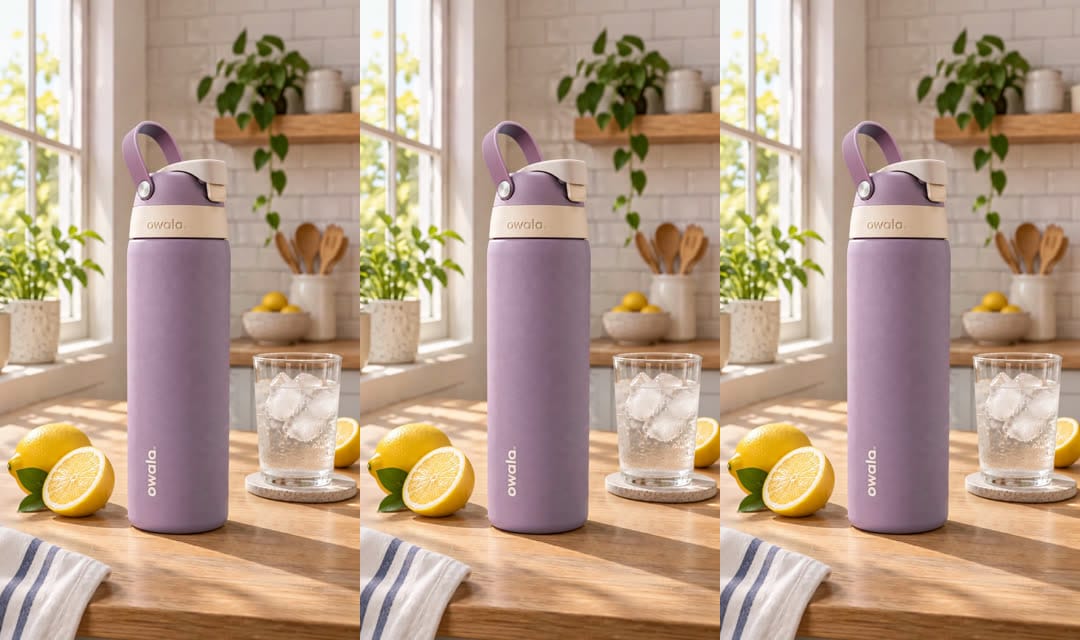
- The photo. We made one vertical lifestyle shot of an Owala FreeSip bottle on a kitchen counter with GPT Image 2.6. Use your own product photo here; we used a generated one so every model got exactly the same input.
- The prompt. Same text for every model, one attempt each, no prompt enhancement, no audio:
The camera slowly pushes in toward the water bottle on the counter. A hand enters from the right, lifts the bottle, flips open the lid with the thumb, and raises it out of frame as if to drink. The lemon and glass of ice stay still. Soft natural morning kitchen light, realistic motion.
- Settings. 9:16, 8 seconds, 720p (MiniMax H3 Max at 768p, its closest option).
A lid flip is a good stress test: a hand, a small moving part, and a logo that has to survive the bottle turning.
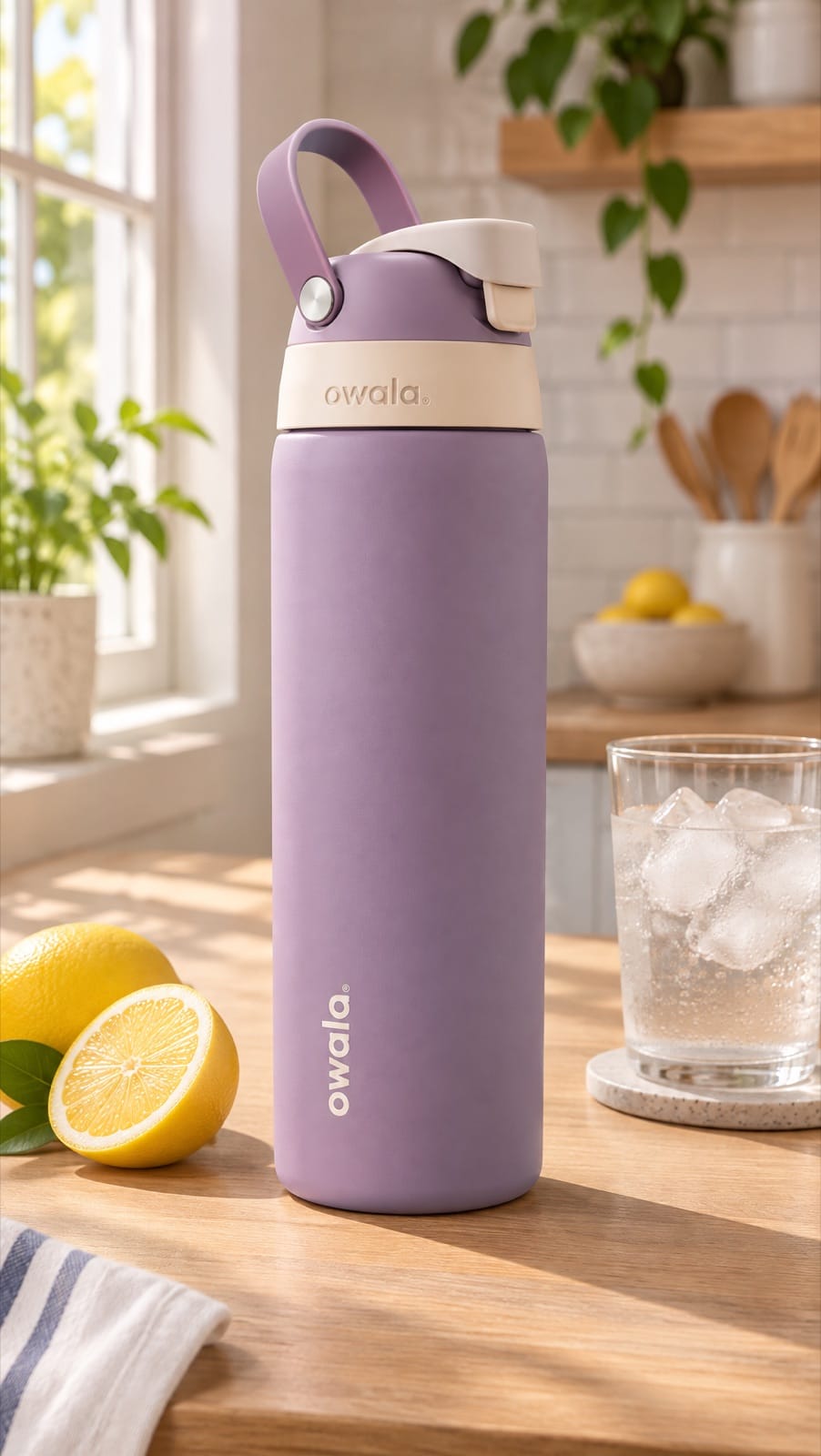
The results
| Model | Lid flip | Logo during the lift | Rest of the scene | 8 s at 720p |
|---|---|---|---|---|
| Seedance 2.5 Flash | Thumb presses the button, lid pops up, straw shows | Sharp the whole time | Stable | 256 credits |
| Veo 3.1 Fast | Fingers flip the lid, most natural | Readable, slightly smeared in motion | Stable; ends on an empty counter | 80 credits |
| MiniMax H3 Max | Lid opens on its own while the hand holds the body | Turns into a stray mark | Stable | 128 credits (768p) |
| Grok Imagine | Lid opens, then closes again by itself | Garbled when tilted | Lemons in the background bowl shift | 112 credits |
Credits are Mostly's prices as of November 2026. Mostly's plans start at 2,000 credits for $29 a month.
Seedance 2.5 Flash: the most usable clip
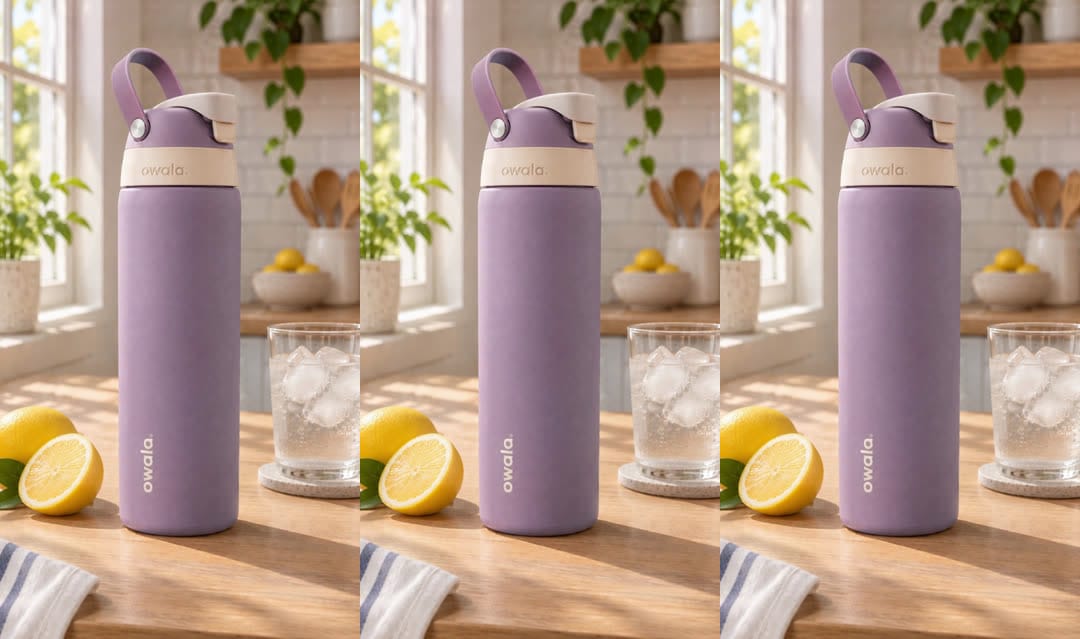
It's the only model that did the action the way the real product works: the thumb pressed the button on the lid and the lid sprang up to reveal the straw, which the FreeSip really has. The logo on the bottle stayed crisp from start to finish. It's also the most expensive here, and it doesn't go above 720p.
Veo 3.1 Fast: best hands, cheapest
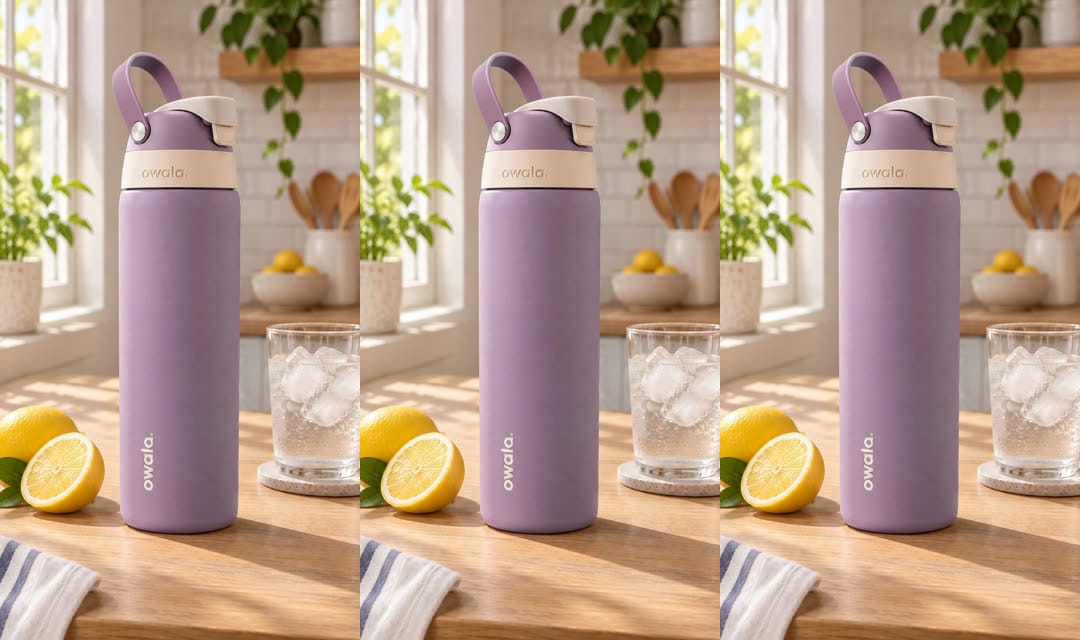
The hand looked the most real: fingers caught the lid, flipped it and lifted the bottle in one smooth move. In our text-only test Veo swapped the brand's logo for a generic font. Here, with a photo to start from, it kept "owala" readable even as the bottle tilted. The catch is pacing. The whole action was done by about five seconds, so you'd trim the last three. In Mostly, Veo 3.1 Fast renders 8-second clips only.
MiniMax H3 Max: fine until the bottle moves
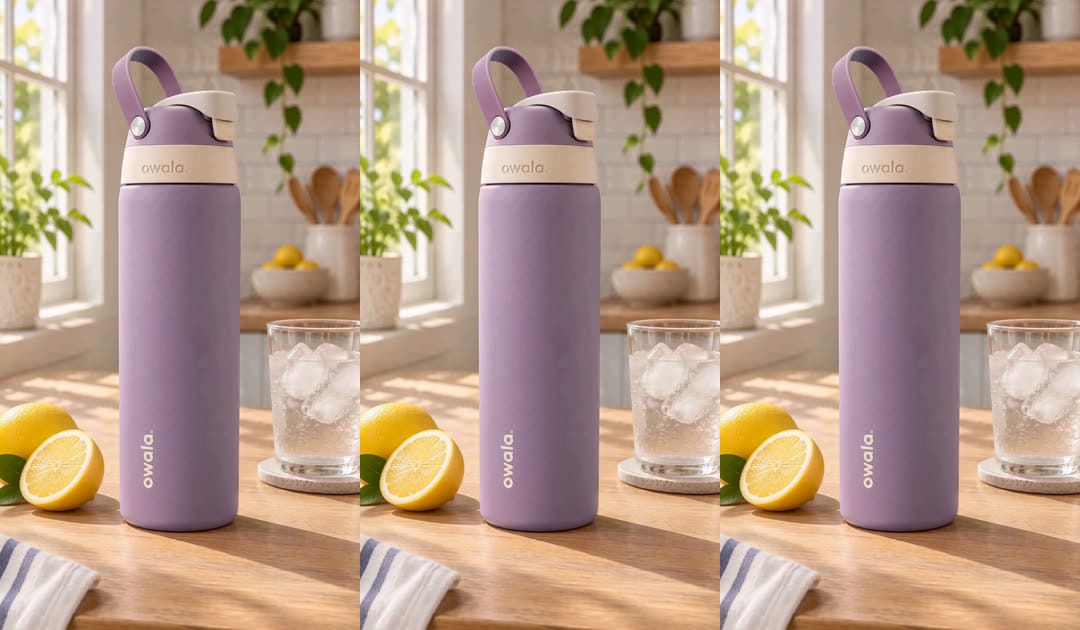
The first three seconds are a slow push-in with nothing else happening, which is good for a product shot and bad for a thumb-stopping opener. Then the lid opened without the thumb touching it, and when the bottle was lifted the vertical "owala" turned into a stray mark. Usable if you cut before the lift.
Grok Imagine: good value, weakest continuity
Grok had the strongest push-in and a believable grip. But the lid flipped open and then shut again with nobody touching it, the logo garbled as the bottle tilted, and the lemons in the background bowl moved around. For a quick, cheap motion test it's fine; for an ad you'd post, it needed another try.
How do you turn a product photo into a video with AI?
Upload a clear product photo as the start frame, describe one simple action, and pick a model that supports start frames. Step by step:
- Pick a clean photo. Sharp, well lit, product fully in frame, with some empty space where the motion will happen. Our product photography ideas list shots that animate well.
- Write one action, not three. "A hand lifts the bottle" works. Every extra beat (open, pour, drink, put down) is another chance for the model to break the product.
- Say what must stay still. "The lemon and glass of ice stay still" kept the backgrounds stable on three of four models.
- Match the length to the action. Our action needed about five seconds. Pick a model that lets you set the length, or plan to trim.
- Check the moment the product turns. That's where logos break. Scrub to it before you post.
- Run two models. In this test the cheapest and the priciest were both usable for different reasons. Mostly runs them side by side from the same photo, so comparing costs one extra render, not an afternoon.
Which AI video model is best for product videos?
For a product that has to look exactly right, start with Seedance 2.5 Flash; for natural hands at the lowest price, Veo 3.1 Fast. Both worked from a photo in this test. Our Seedance 2.5 product ad tests go deeper on the Seedance family.
| If you need | Use |
|---|---|
| Logo and packaging that hold up through motion | Seedance 2.5 Flash |
| Natural hand movement on a budget | Veo 3.1 Fast (trim to length) |
| A slow, calm product push-in | MiniMax H3 Max (cut before any lift) |
| Cheap drafts to test an idea | Grok Imagine |
FAQ
Can AI turn a product photo into a video?
Yes. Most current video models accept a start frame. You upload your product photo, describe the motion, and get a clip of a few seconds up to 15 or more, depending on the model. Starting from a real photo keeps your packaging far more accurate than a text prompt.
Do AI product videos keep the logo correct?
Mostly, while the product stays still. In our test, all four models kept the logo while the bottle stood on the counter; two scrambled it once the bottle tilted. Keep big rotations out of the shot, or check that moment closely.
How long does it take to make an AI product video?
Each 8-second clip in our test finished in a few minutes. Most of the real time goes into picking the photo, writing the action and checking the result.
How much does an AI product video cost?
In our test, 8 seconds at 720p cost between 80 and 256 Mostly credits depending on the model (as of November 2026). Cheaper models are fine for testing ideas; spend more on the version you'll run as an ad.
What's the best length for a product video on TikTok or Reels?
Short. Make clips of 5–8 seconds per shot and cut them together, rather than asking a model for one long shot. Each extra second of a single shot is more room for the product to drift.
Have product photos already? Turn them into videos with Mostly, and compare models before you spend on the final cut.