Content Repurposing for Product Brands: One Photo, 30 Posts (Worked Example)
One studio shot of a blush bottle became five more images and a video, then a four-week, 30-post plan across five channels. Here is every asset, what each one is for, and what it cost.
 Moss6 min read
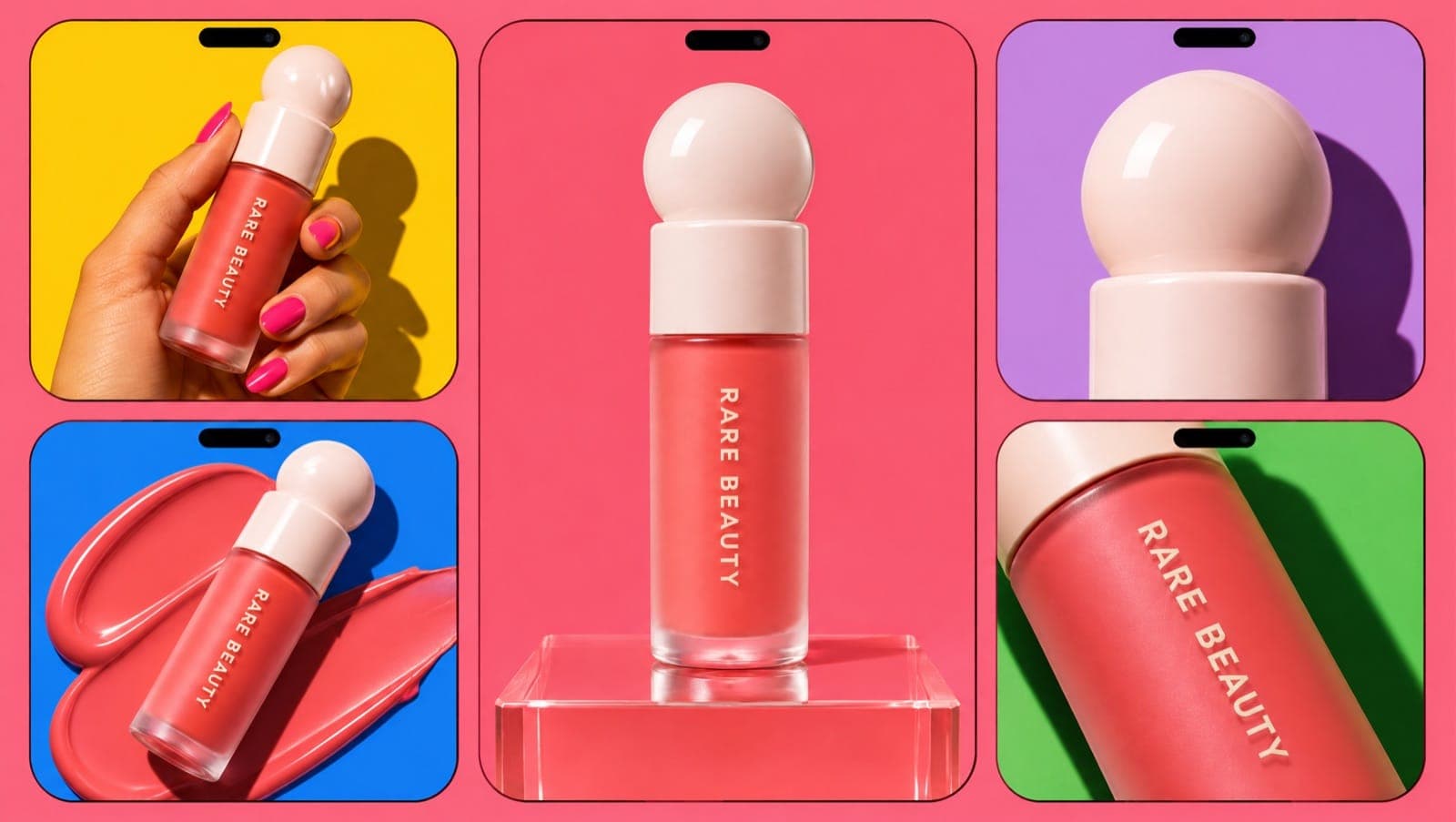
Content repurposing for a product brand means turning one shoot into many posts by changing the scene, crop, format and hook around the same product. In our worked example, one studio photo of a blush became six assets (five images and an 8-second video), and those six became 30 posts over four weeks across TikTok, Instagram, Meta ads, Pinterest and email.
Key takeaways
- Start with one clean hero shot. Every other asset in our example was generated from it as a reference, so the product stayed identical.
- Six assets is enough for a month if each one serves several formats: feed, Stories, carousel slide, ad, product page.
- Change the hook, not just the platform. The same video went out three times on TikTok with three different openings.
- The whole set cost 164 credits in Mostly (as of November 2026), and most of that was the video.
- Check every derived asset for drift. Our video invented a strange applicator. Hands and moving parts are where it breaks.
What does content repurposing mean for an e-commerce brand?
For a content creator, repurposing means cutting a podcast into clips. For a product brand, the "long piece" is usually a product shoot. Repurposing means getting every format you post (feed images, vertical video, carousels, ads, Stories, product-page images, email headers) out of that one shoot instead of planning separate content for each.
The reason to do it: most small brands don't run out of ideas, they run out of assets. A month at a realistic cadence is 20–30 posts across channels. (Our guide to how often to post on TikTok covers what's realistic for a one-person team.) Very few small brands can shoot that much every month.
The worked example: one blush, six assets
We used a product most people in beauty know: Rare Beauty Soft Pinch Liquid Blush. It's a test subject only; the brand isn't involved. Everything was made in Mostly with GPT Image 2.6 Sunburst and Veo 3.1 Fast.
Asset 1: the hero shot (the source of everything)
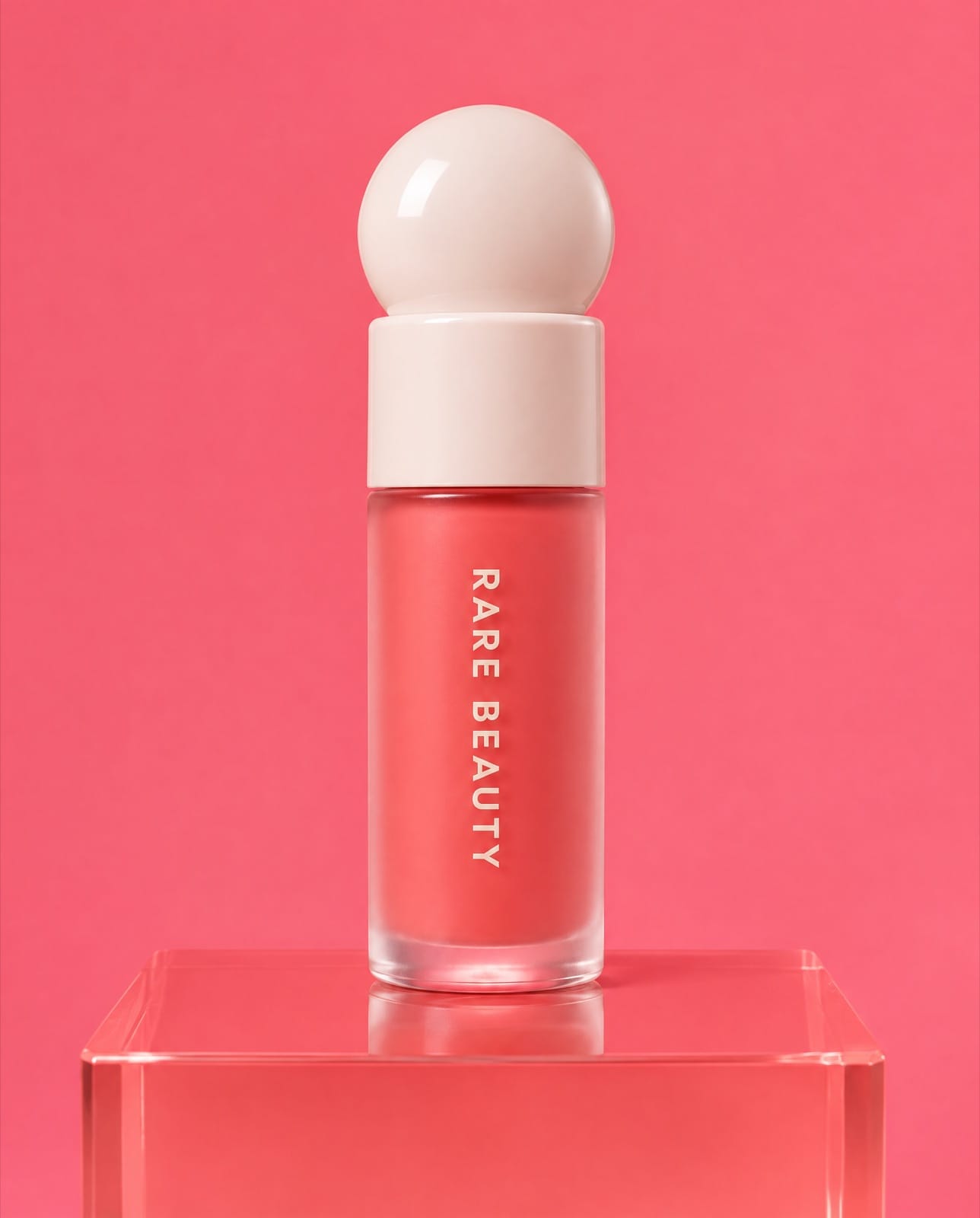
The source image: 4:5, 2K, plain background, product sharp and centred. 12 credits.
The hero shot is the one asset you should get right, from a real shoot or a generation you've checked carefully. Plain background, product fully visible, no props cutting into it. Every other image used it as a reference image, with the instruction "keep the product identical to the reference".
Assets 2–5: four new scenes from the same photo
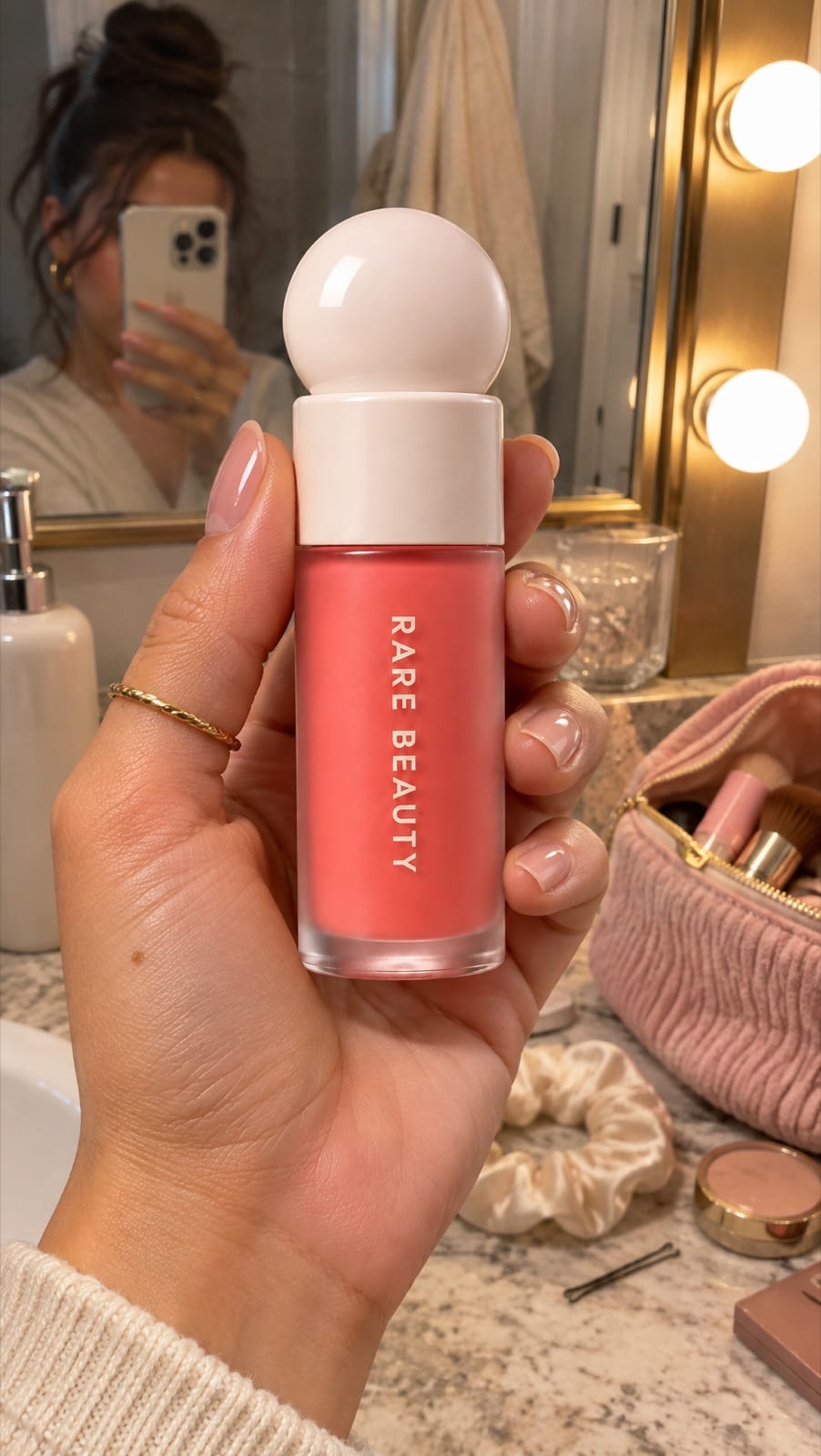
Asset 2, in-hand UGC (9:16): a phone-photo look at a vanity mirror. For Stories, TikTok photo posts and 9:16 ads.
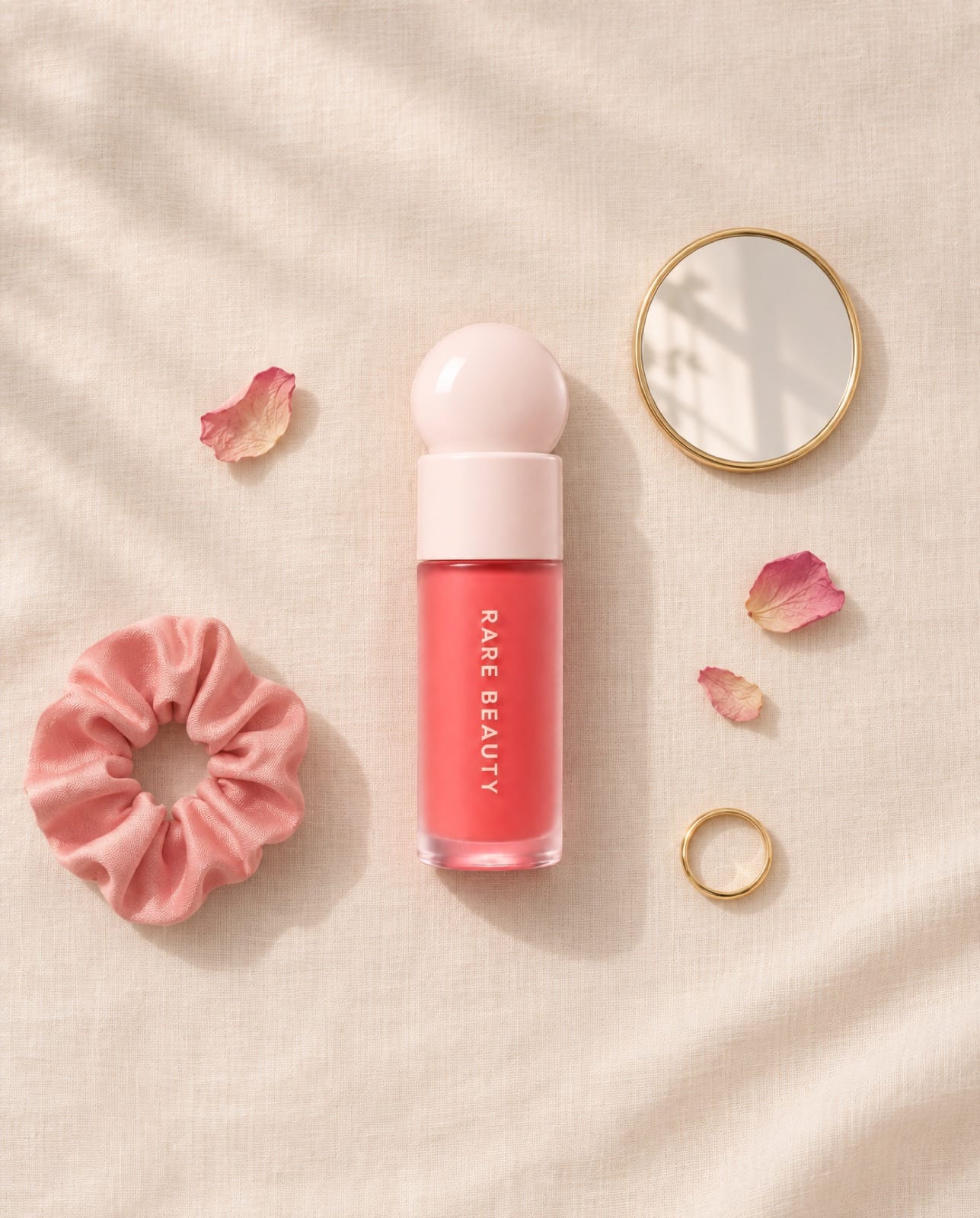
Asset 3, flat lay (4:5): calm, lots of space. For the Instagram feed, Pinterest and email headers.
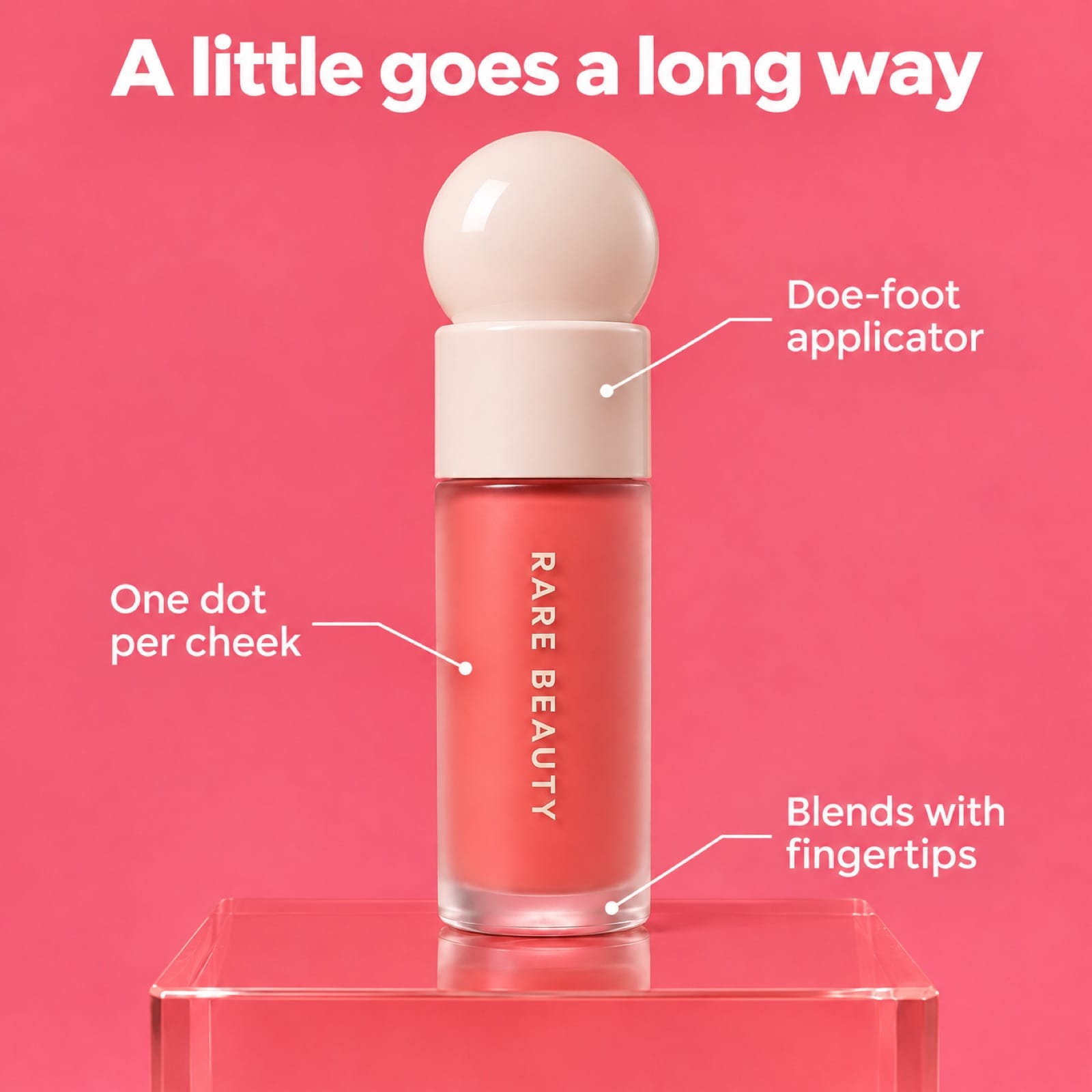
Asset 4, feature-callout ad (1:1): headline plus three callouts, every word spelled right on the first try. Feature callouts are one of the static ad formats that keep running on Meta.
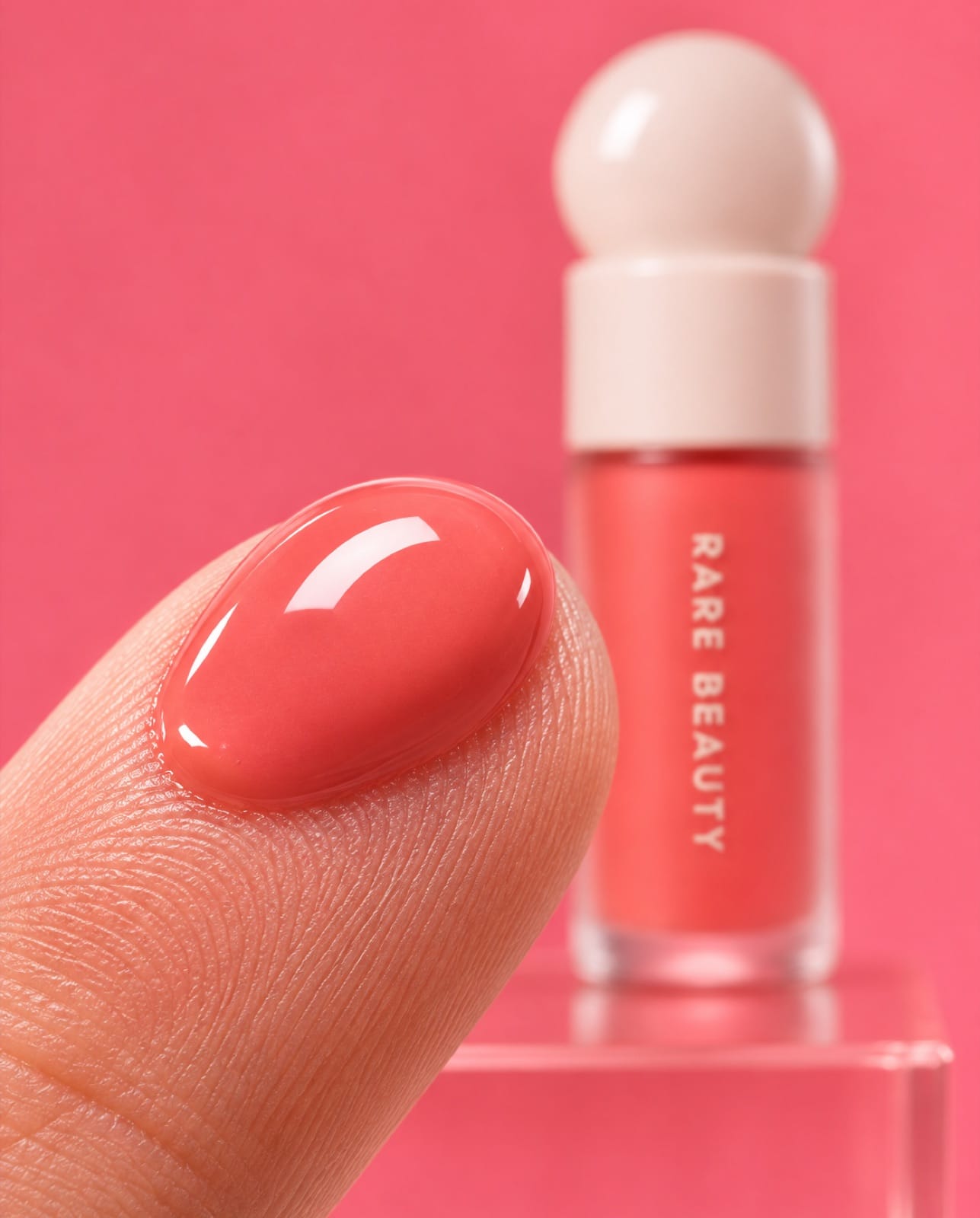
Asset 5, macro texture (4:5): the "texture check" shot beauty buyers look for. For carousels and product pages.
Each of these cost 8 credits. The product held up across all four: same dome cap, same coral liquid, same vertical "RARE BEAUTY" lettering.
Asset 6: an 8-second video from the hero shot
We used the hero shot as the start frame for Veo 3.1 Fast and asked for a hand to lift the cap and reveal the applicator.
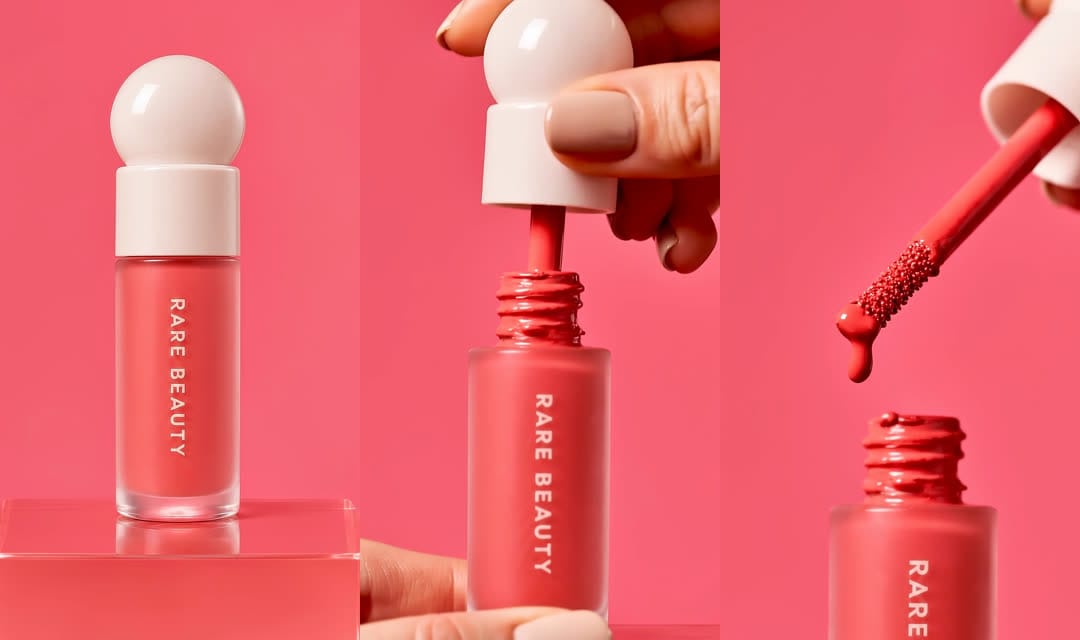
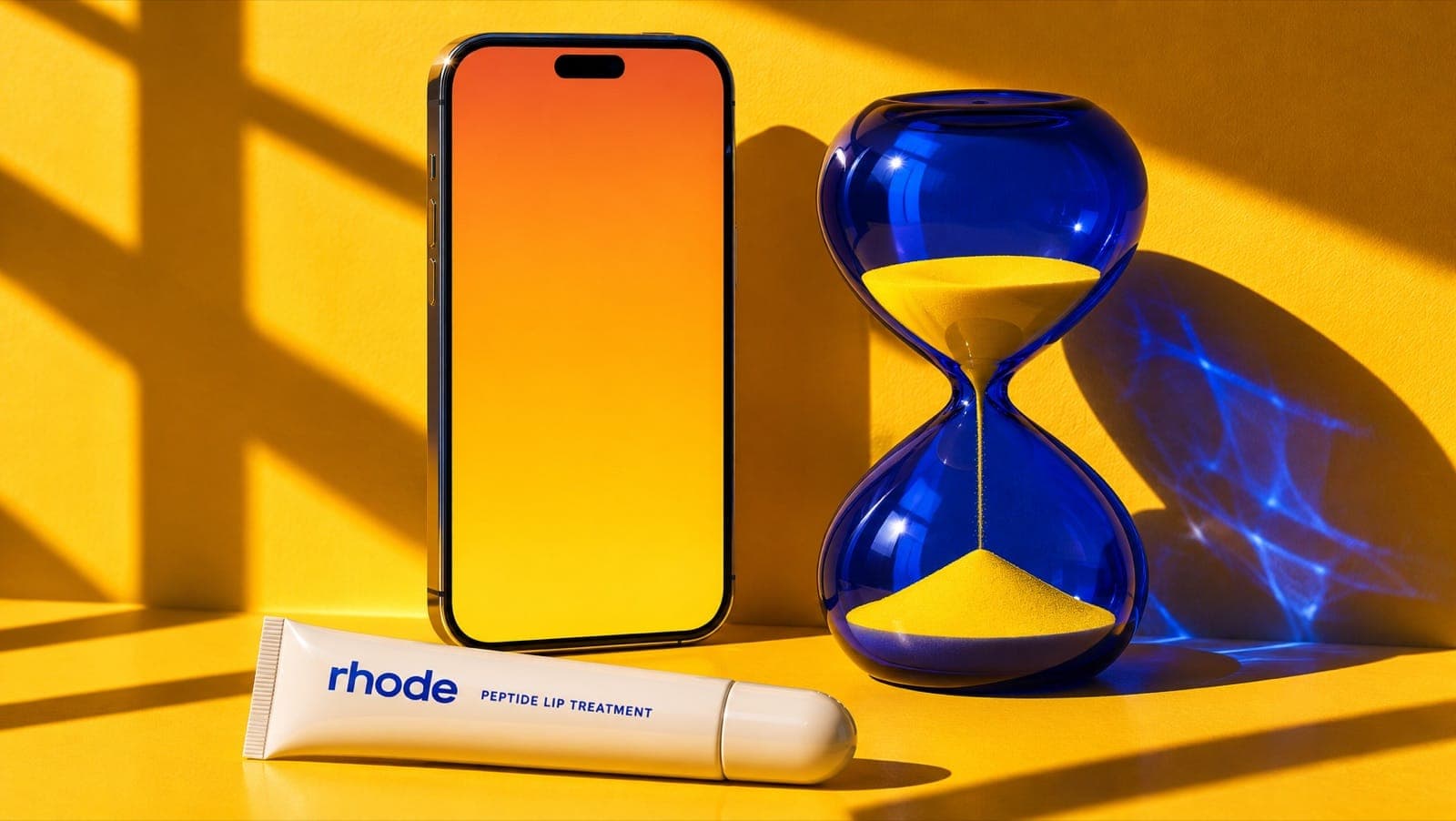
Veo 3.1 Fast, 8 s, 1080p, 120 credits. The bottle and lettering stay accurate; the applicator comes out beaded and the bottle neck is messy, which a fan of the product would notice.
The video was the expensive part and the least accurate. It works as a fast, satisfying loop, but it isn't a faithful close-up of the real applicator. That's a common pattern in our tests: the product holds while it's still and drifts once it moves (see our AI product video generator test for the same effect across four models).
Cost of the six assets
| Asset | Model | Format | Credits |
|---|---|---|---|
| Hero shot | GPT Image 2.6 Sunburst | 4:5, 2K | 12 |
| In-hand UGC | GPT Image 2.6 Sunburst | 9:16 | 8 |
| Flat lay | GPT Image 2.6 Sunburst | 4:5 | 8 |
| Feature-callout ad | GPT Image 2.6 Sunburst | 1:1 | 8 |
| Macro texture | GPT Image 2.6 Sunburst | 4:5 | 8 |
| Cap-reveal video | Veo 3.1 Fast | 9:16, 8 s, 1080p | 120 |
| Total | 164 |
Credit prices as of November 2026; see pricing for plans.
How do you turn 6 assets into 30 posts?
Give every asset several jobs, and change the hook each time it reappears on the same channel. Here's the full plan:
| Source asset | Posts | Where and how |
|---|---|---|
| Cap-reveal video | 6 | TikTok ×3 (hooks: "the most satisfying blush", "one dot is enough", "POV: you finally found your shade"); Instagram Reel; Meta video ad; Instagram Story with a link sticker |
| Hero shot | 4 | Product page main image; Meta ad with an offer line added; Instagram feed; Pinterest pin |
| Carousels built from all six | 5 | TikTok photo mode ×3 ("how to apply in 3 steps", "3 ways to wear it", "what's in my makeup bag"); Instagram carousel ×2 (same slides at 4:5) |
| In-hand UGC | 3 | TikTok photo post with on-screen text; Instagram Story poll ("Joy or a deeper shade?"); 9:16 Meta Stories ad |
| Flat lay | 3 | Instagram feed; Pinterest pin; email header |
| Feature-callout ad | 3 | Meta feed ad; Instagram feed; TikTok green-screen explainer with the ad as background |
| Macro texture | 3 | Instagram feed; TikTok "texture check" photo post; product page gallery image |
| Remixes | 3 | Instagram Story countdown for a restock; TikTok reply to a comment using the macro shot; email product spotlight |
| Total | 30 | Over four weeks: about 7–8 posts a week across all channels |
The carousels are where repurposing pays off most: five or six slides built from images you already have, plus one or two text slides. Our step-by-step guide to making a TikTok slideshow covers how to structure those slides.
How to schedule 30 repurposed posts without it looking repetitive
- Don't post the same asset twice on one channel in the same week. Spread the three TikTok versions of the video across weeks 1, 2 and 4.
- Change the first second. A new hook, a new text overlay or a different crop makes the same footage a new post to the viewer.
- Lead each week with your strongest format on the channel where it fits: video on TikTok, carousel on Instagram.
- Post when your buyers are on. Our data-backed guides on the best time to post on Instagram and on TikTok are a starting point.
- Keep ads separate from organic. Use the callout ad and hero-with-offer in paid; use the UGC-style shots organically first, then promote the ones that do well.
- Batch-schedule the whole month in one sitting, then spend the time you saved replying to comments.
FAQ
What is content repurposing?
Content repurposing is turning one piece of content into many posts for different formats and channels. For product brands, that usually means building feed images, videos, carousels, ads and email content from a single product shoot.
How many posts can you get from one product shoot?
In our example, 30 posts over four weeks from one photo and five derived assets. The limit is less about the number of photos and more about how many formats and hooks you give each one.
Is reposting the same content on TikTok and Instagram bad?
Posting the same asset on both is normal. What hurts is the same post on the same channel repeatedly. Change the hook, text or crop each time it reappears.
Can AI help repurpose product photos?
Yes. Using your product photo as a reference, AI image models can place it in new scenes (in hand, flat lay, close-up) and make ad layouts. Check every output for packaging drift, especially in video.
What's the best content repurposing strategy for a small brand?
Shoot or generate one clean hero shot per product, derive 4–6 assets in different formats, map each to 3–6 posts across channels, and schedule a month at once.
Want the month planned and scheduled for you? Mostly turns one product into carousels, ads and videos, and posts them to TikTok and Instagram.